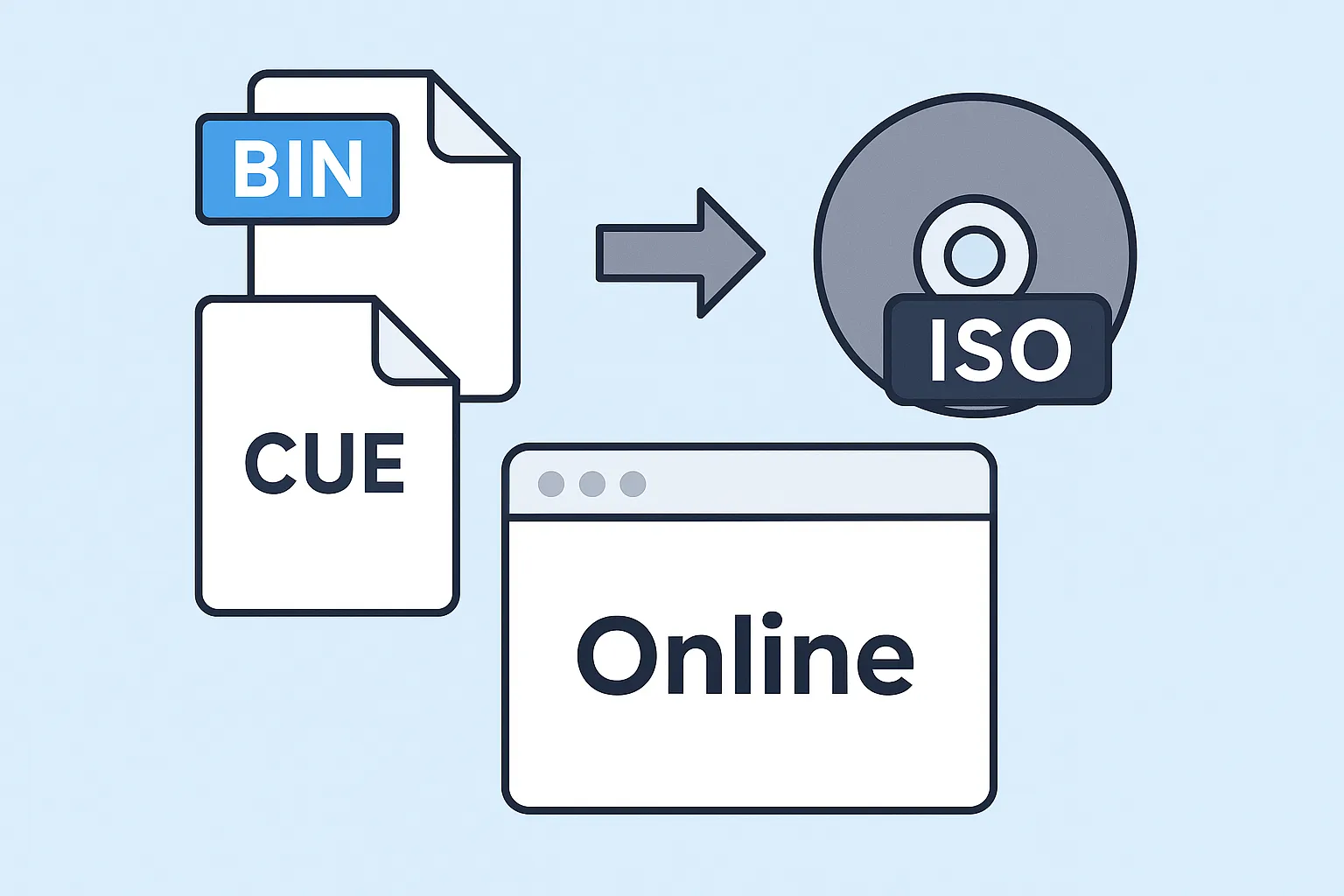
BIN and CUE files often come together when downloading older game backups, CD images, or software installers. While these formats work in some emulators or archival tools, most modern systems prefer the cleaner and more compatible ISO format.
The easiest way to convert BIN & CUE files to ISO is by using an online converter. No installation, no technical setup — just upload your files and download the ISO.
Why Convert BIN & CUE Online?
Desktop applications like PowerISO or ImgBurn can convert BIN and CUE files, but they require installation and sometimes licensing. Online conversion is faster and available anywhere, which makes it the preferred method for most users.
- No installation required
- Works on Windows, macOS, Linux, ChromeOS
- Instant results
- Perfect for mobile users
How to Convert BIN & CUE to ISO Online
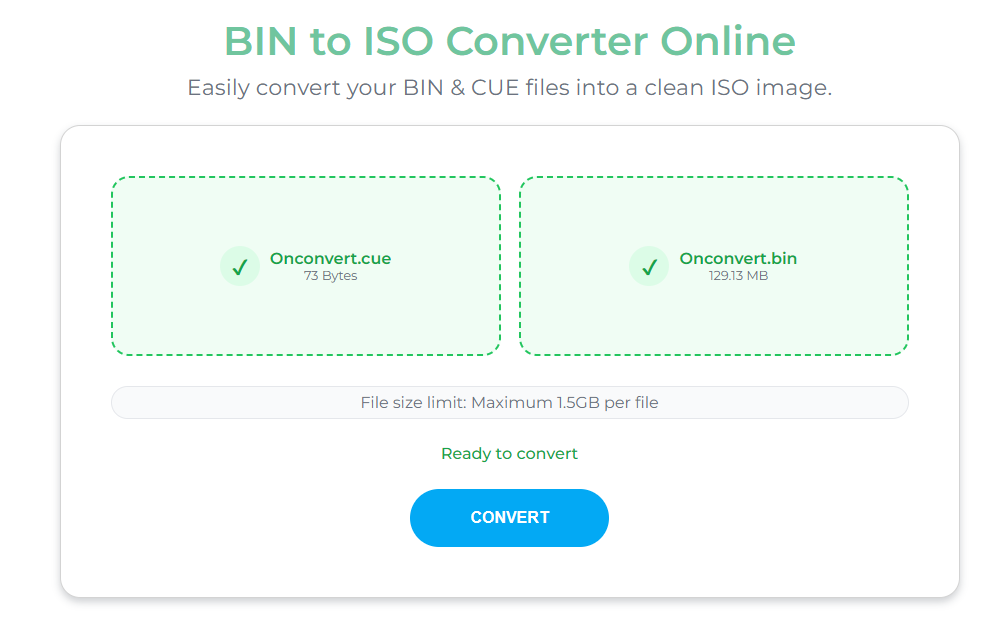
With OnConvert, you can convert BIN and CUE files in a few seconds without downloading anything. Here's how the online method works:
Step-by-step guide
- Open the converter: onconvert.io/bin-to-iso
- Upload your .bin file
- Upload your matching .cue file (recommended)
- Wait while the server processes your files
- Download your clean .iso image
mygame.bin and mygame.cue.
What You Need Before Converting
You only need two things:
- Your BIN file
- Your matching CUE file (optional but highly recommended)
The CUE file contains track and index information. Without it, the ISO can still be created, but certain mixed-mode discs may not convert perfectly.

Advantages of Online BIN & CUE Conversion
- Fast: No need to install large applications.
- Compatible: Works on any OS or device with a browser.
- Easy: No technical knowledge required.
- Secure: Files are processed automatically and deleted shortly afterward.
For users who only convert BIN and CUE occasionally, the online method is the most convenient way.
FAQ
Do I need both BIN and CUE files?
Not always — but it is highly recommended. The CUE file helps map out the disc tracks correctly during conversion.
Is online conversion safe?
Yes. OnConvert automatically deletes uploaded files shortly after processing. No data is kept.
Can I convert BIN & CUE to ISO on my phone?
Yes — the online converter works on mobile browsers as long as your device supports file uploads.
What if my CUE file is missing?
You can still convert the BIN file, but certain mixed-mode discs may not convert accurately. Creating a simple CUE file manually may fix this issue.
Looking for more tutorials? Visit the OnConvert blog for guides on BIN files, CUE files, ISO mounting, emulator usage, and error troubleshooting.