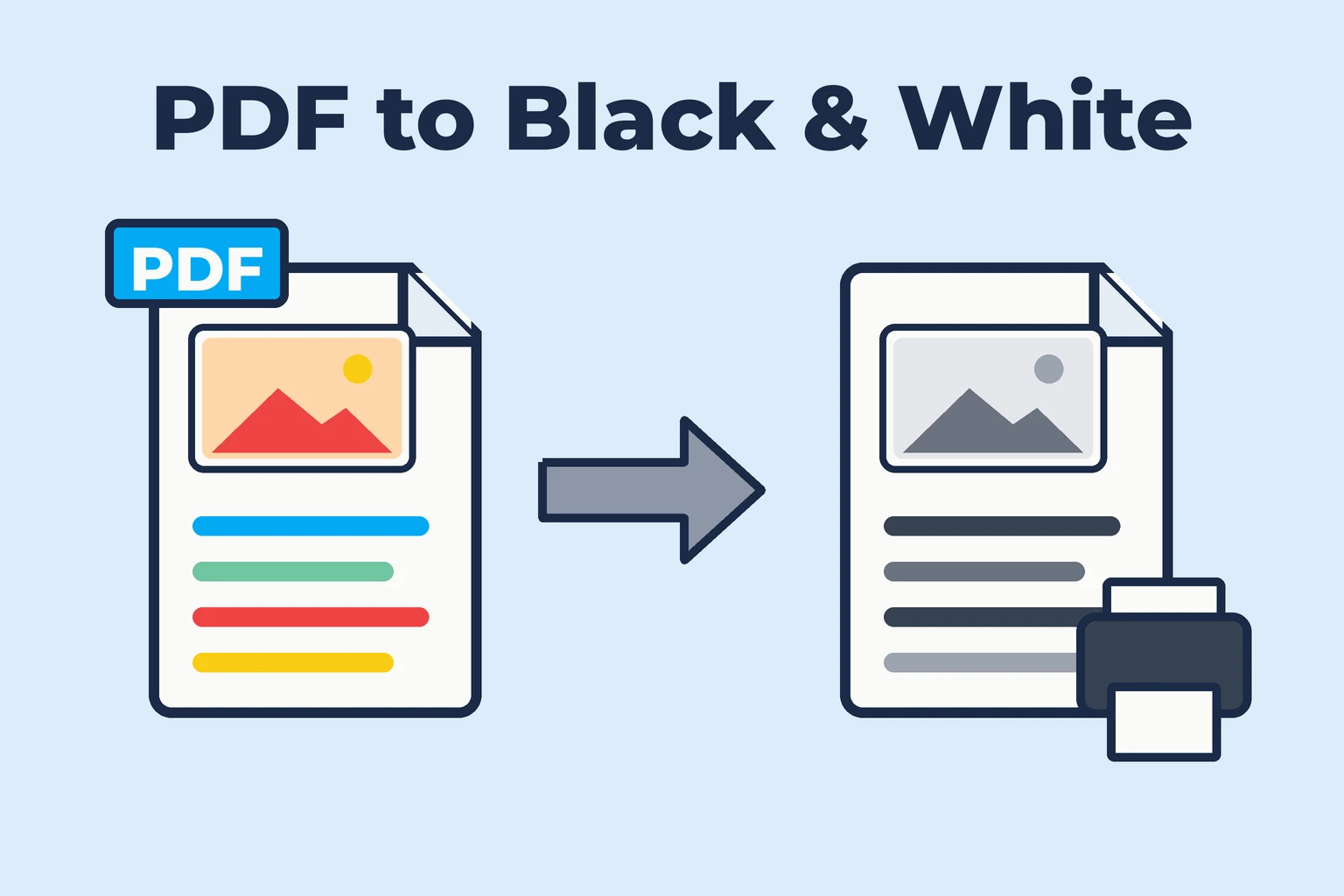
A color PDF is great on screen but expensive to print: even black text often uses colored ink, and color printers stop working when one cartridge is empty. Converting the PDF to black and white fixes that. This guide shows how to convert a PDF to black and white – either just for printing, or as a new file you can save and share.
Quick answer
To print in black and white, open the print dialog and set Color to Black and white (or check Print in grayscale in Acrobat). To save a black and white PDF, use the free PDF to Black and White converter on any device, or Preview's Gray Tone filter on a Mac.
Print in black and white, or save a black and white file?
- Print only – fastest if you just need a paper copy right now. Nothing is saved, and some printer drivers still mix colored ink into grays.
- Save a black and white PDF – better when you print the same file often, send it to a print shop, upload it to a portal that requires grayscale, or want a smaller file.
Grayscale vs. black and white – which one do you need?
| Grayscale | Pure black and white | |
|---|---|---|
| Colors become | Shades of gray | Only black or white |
| Photos | Look like black and white photos | Become high-contrast, like a fax |
| Best for | Reports, slides, documents with photos and charts | Text, forms, scanned documents, saving the most ink |
| Scans | Keeps gray paper background | Clean white paper, crisp text |
If you're unsure, choose grayscale. Pick pure black and white for scans with a yellowish or gray paper background – it makes them look clean and prints much lighter.
Method 1 – Convert a PDF to black and white online (free)
The OnConvert converter runs entirely in your browser, so your PDF isn't uploaded anywhere. It works on Windows, Mac, iPhone and Android.
- Open the PDF to Black and White converter.
- Drop your PDF into the upload box. A live preview appears.
- Choose Grayscale or Black & White. For black and white, adjust the darkness slider until text is crisp.
- Optional: enter a page range to convert only some pages.
- Convert and download your black and white PDF.
Method 2 – Print a PDF in black and white
Chrome or Edge (Windows and Mac)
- Open the PDF in the browser and press
Ctrl + P(Cmd + Pon Mac). - Set Color to Black and white. If you don't see it, click More settings.
- Click Print.
The Color option only appears if your printer driver supports it.
Adobe Acrobat Reader
- Open the PDF and press
Ctrl + P/Cmd + P. - Check Print in grayscale (black and white).
- Click Print.
Windows printer settings
In any app, open the print dialog, click Printer Properties or Preferences, and look for Grayscale, Black ink only or Mono. The name depends on your printer brand.
Mac print dialog
Press Cmd + P, expand the details, and look for a Black & White checkbox or the
color options in your printer's settings section. If it's missing, save a black and white copy first (Method 1 or 3).
Method 3 – Convert a PDF to black and white on Mac with Preview
Preview can save a grayscale copy with a built-in filter:
- Open the PDF in Preview.
- Choose File → Export.
- Make sure the format is PDF, then open the Quartz Filter menu.
- Select Gray Tone (grayscale) or Black & White (high contrast).
- Save under a new name to keep the original.
Be careful: Quartz filters can turn text into images on some files and sometimes make the PDF larger. Check the result before deleting the original.
Method 4 – Convert to grayscale in Adobe Acrobat Pro
Acrobat Pro (paid) can permanently convert colors:
- Open the PDF in Acrobat Pro and open the Print Production tool.
- Choose Convert Colors.
- Set the conversion profile to Gray Gamma 2.2 or Dot Gain 20% and select all pages.
- Click OK and save the PDF under a new name.
Method 5 – Convert PDF to grayscale with Ghostscript
For bulk jobs and scripts, the free Ghostscript tool works on Windows, Mac and Linux:
gs -sDEVICE=pdfwrite -sColorConversionStrategy=Gray \
   -dProcessColorModel=/DeviceGray -dNOPAUSE -dBATCH \
   -sOutputFile=output-gray.pdf input.pdf
On Windows, the command is gswin64c instead of gs.
Common problems and fixes
1. The printout still uses color ink
Many printers print "black and white" by mixing colors for a richer black. Look for Black ink only in the printer properties, or convert the file to grayscale first.
2. Light colored text disappears
Yellow or light green text becomes very light gray. Use pure black and white with a higher darkness setting, which turns light colors into readable black.
3. The file got much bigger
Some tools turn every page into an image. A converter that changes colors inside the PDF – like the OnConvert converter – keeps text as text and usually makes the file smaller.
4. The scan looks gray and dirty
Choose pure black and white instead of grayscale. The paper turns white and the text becomes crisp black.
FAQ: PDF to black and white
How do I change a color PDF to black and white?
Use a PDF to black and white converter to save a new file, or set Color to Black and white in the print dialog if you only want to print. The free OnConvert converter works in any browser without uploading the file.
How do I print a PDF in black and white in Adobe Acrobat?
Open the print dialog with Ctrl + P or Cmd + P and check Print in grayscale (black and white).
How do I convert a PDF to grayscale on Mac?
Open the PDF in Preview, choose File → Export, select the Gray Tone Quartz filter and save it under a new name.
Does a black and white PDF save ink?
Yes. A grayscale or black and white PDF prints with black ink only on most printers, while a color PDF often mixes colored ink even for dark text.
What's the difference between grayscale and black and white?
Grayscale turns colors into shades of gray and suits photos and charts. Pure black and white uses only black and white, which is ideal for text and scans.
Can I turn a black and white PDF back into color?
No, the color information is removed. Always keep a copy of the original color PDF.
Convert your PDF to black and white now
For a one-off printout, the print dialog is enough. For a black and white file you can reuse, share or print at a copy shop, use the free PDF to Black and White converter – it keeps text selectable and works on every device. Reading on screen instead? See how to convert a PDF to dark mode.